
2-4 Months
2 hrs /Day
SolidWorks Classes in Vadodara
 120+ Catalog
 Quality Education
Our students work at well-known companies.



























About Course
About SolidWorks Classes in Vadodara
- SOLIDWORKS is a 3D CAD and CAE parametric software for designing and simulating mechanical products.
- Used for part design, assembly, sheet metal, routing, mold design, weldments, and motion analysis across industries.
- Includes Basic FEA (Finite Element Analysis) and CFD (Computational Fluid Dynamics) capabilities for simulation.
- SolidWorks is a product of Dassault Systèmes, a leading software company known for its innovative 3D design and engineering solutions.
Difference between AutoCAD & SolidWorks:
Purpose:
- AutoCAD: Primarily a 2D drafting and 3D modeling tool used for creating detailed engineering drawings, architectural plans, and layouts.
- SolidWorks: Focuses on 3D parametric modeling and simulation, mainly used for mechanical product design and engineering analysis.
Industry Usage:
- AutoCAD: Commonly used in architecture, civil engineering, electrical and mechanical drafting, and construction.
- SolidWorks: Primarily used in mechanical, aerospace, automotive, and manufacturing industries for product design.
Functionality:
- AutoCAD: Strong in 2D drafting, basic 3D modeling, and has general application across multiple disciplines.
- SolidWorks: Specializes in 3D parametric design, assembly modeling, simulation, FEA, and rendering with an emphasis on mechanical components and systems.
Drafting & Designing:
- AutoCAD: Known for its powerful 2D drafting capabilities, making it ideal for creating detailed technical drawings and plans.
- SolidWorks: Excels in 3D design, but also provides integrated tools for generating 2D drawings from 3D models for manufacturing documentation.
Conclusion:
For drafting and 2D design, AutoCAD is the go-to tool due to its robust 2D drafting capabilities and wide application across various industries. However, for 3D parametric modeling, simulation, and mechanical product design, SolidWorks is the preferred choice, offering advanced 3D design tools and real-world simulation features. Both software serve different purposes, with AutoCAD excelling in 2D drafting and SolidWorks leading in 3D mechanical design.
3D Machine Design:
Creating intricate 3D models of parts and assemblies, making it ideal for product design in mechanical engineering.
Simulation and Analysis:
Performing engineering simulations, including Finite Element Analysis (FEA) and Computational Fluid Dynamics (CFD), to evaluate product performance under various conditions.
Product Development:
Streamlining the design process with parametric modeling, allowing for easy modifications and iterations during product development.
Technical Documentation:
Generating detailed 2D drawings and documentation directly from 3D models for manufacturing and assembly instructions.
Collaboration:
Facilitating teamwork through tools for sharing and collaborating on designs, enhancing communication across engineering teams.
High Demand for Jobs:
- There is a growing demand for professionals skilled in SOLIDWORKS, especially in engineering and design fields. This means more job opportunities for you.
Better Salary Potential:
- Learning SOLIDWORKS can lead to higher-paying jobs. Companies are willing to pay more for skilled professionals who can create and simulate designs effectively.
Career Growth Opportunities:
- With SOLIDWORKS skills, you can advance your career into leadership roles or specialized positions, opening new pathways for professional development.
Enhanced Design Skills:
- Mastering SOLIDWORKS helps you create complex 3D models and perform important simulations, making you a more valuable asset to any team.
Versatility in Roles:
- SOLIDWORKS knowledge allows you to work in various industries, from automotive to aerospace, increasing your job flexibility and options.
Opportunities After Learning SolidWorks:
- CAD Designer/Drafter: Create detailed 2D and 3D drawings and models for various engineering projects using SOLIDWORKS.
- Product Designer: Conceptualize and develop new products, from initial design through to testing and production, ensuring functionality and manufacturability.
- Manufacturing Engineer: Focus on the design and improvement of manufacturing processes, utilizing SOLIDWORKS for product design and process optimization.
- Quality Engineer: Ensure that products meet quality standards by utilizing SOLIDWORKS for design verification and testing processes.
- Design Engineer: Work on specific aspects of a project, collaborating with other engineers to bring innovative ideas to fruition.
- Project Manager: Oversee engineering projects, ensuring that design and production goals are met on time and within budget while coordinating teams.
- R&D Engineer: Engage in research and development to create new products or improve existing ones, utilizing SOLIDWORKS for prototyping and testing innovations.
- Entrepreneur/Startup Founder: Use SOLIDWORKS to develop and prototype products for a new business venture, allowing for effective product development.
- Engineering Students: Those pursuing ITI or diplomas or degrees in mechanical, electrical, automobile , or aeronautical engineering can learn
- Industry Professionals: Production engineer, quality engineers, Technical Sales, aiming to transition into design roles or seeking promotions can benefit from SOLIDWORKS to expand their skill set.
- Manufacturing Engineers: Individuals in manufacturing roles can improve their design capabilities and understanding of product development processes.
- Entrepreneurs: Those starting their own businesses can use SOLIDWORKS to develop detailed designs for their products, streamlining the development process.
- Product designer: Anyone interested in new product development or looking to build a career in engineering and design can learn SOLIDWORKS
This course includes:
✅ Courses Content Crafted by industry experts.
✅ Theory & Practice Book
✅ Personalized Doubts Solving
✅ Gov. approved SolidWorks International certificate
✅ Post Training Support
✅ Placement Assistance
Course Curriculum
What You'll Learn in This SolidWorks Classes in Vadodara
- Introduction to SolidWorks interface and workspace.
- Basic sketching tools: Line, Circle, Arc, and Rectangle.
- Advanced sketching tools: Polyline, Ellipse, and Spline.
- Tools for trimming, extending, and mirroring sketches.
- Use of Arrays: Linear, Circular, and Sketch Patterns.
- Create 3D models using Extrude Boss/Base and Revolve Boss/Base.
- Loft and Sweep features for creating complex shapes.
- Apply Fillet, Chamfer, Draft, and Shell to refine designs.
- Use Hole Wizard, Rib, and Wrap for specialized design needs.
- Create and manage Configurations for multiple design variations.
- Utilize Patterns: Linear, Circular, and Sketch patterns for repetitive features.
- Incorporate Curves and Split Line for complex geometry.
- Use Equations to automate dimensions and relationships between features.
- Plane Creation techniques for adding reference planes and custom orientations.
- Move/Copy Bodies – Relocate or duplicate solid bodies within a part.
- Fillet and Chamfer – Apply fillets and chamfers directly on selected edges.
- Linear Pattern – Repeat features or bodies in a linear fashion.
- Delete/Keep Body – Remove or retain specific solid bodies within a part.
- Delete Face – Remove a specific face from a model.
- Split – Separate a solid body or a part into multiple bodies.
- Combine – Merge, subtract, or intersect multiple bodies.
- Walls: Create and modify walls, understanding their structure customizing them for different architectural requirements.
- Vertical or Section Walls: Model vertical and boundary wall .
- Curtain Walls: Design and edit curtain wall systems, working with mullions and panels.
- Doors & Windows: Insert and customize door and window families for design flexibility.
- Slabs & Floors: Model and edit floor slabs and ensure proper alignment with structural elements.
- Roofs: Create different roof types (flat, gable, hip, curved) and master advanced roof modeling techniques.
- Ceilings: Place ceilings and coordinate lighting fixtures, using ceiling grids for alignment.
- Stairs: Use the stair tool to design straight, curved, and custom staircases.
- Ramps: Design ramps, ensuring compliance with building codes for accessibility.
- Railings: Create and modify railings for stairs, balconies, and other architectural elements.
- Piping & Plumbing Systems: Learn the essentials of piping and plumbing design in Revit MEP, including creating pipes and adding accessories such as valves, connectors, and fittings. Work with pipe placeholders, parallel pipes, and incorporate pipe insulation for energy efficiency. Configure and size plumbing systems, place mechanical equipment like pumps and water heaters, and adjust pipe routing preferences, including the use of flexible pipes and auto-routing solutions. Learn how to add connectors within families to enhance system connections.
- Electrical Systems Design: Gain proficiency in designing electrical systems in Revit MEP by placing electrical and light fixtures, as well as equipment like panels, transformers, and substations. Connect and wire power fixtures, switches, and configure electrical distribution settings. Design other systems, including fire alarm systems, and generate panel schedules and electrical load calculations. Explore the creation of cable trays, managing conduits, and placing fire safety elements such as smoke detectors, sprinklers, and other safety equipment.
- HVAC Systems: Understand the fundamentals of HVAC system design in Revit MEP, including the placement of components such as air terminals, diffusers, ducts, fans, and air handling units (AHUs). Perform load calculations to determine heating and cooling requirements and use both manual and automatic tools for duct system creation.
- Advanced Revit MEP Techniques: Explore advanced topics such as managing family, shared, and global parameters, utilizing section tools for detailed views, and creating assemblies and groups of elements. Use route analysis tools to optimize MEP system paths, understand design options for multiple iterations, and collaborate effectively using worksharing features in Revit MEP.
- Isolated Footings: Design isolated footings with accurate dimensions and place reinforcement for structural integrity.
- Rebar for Columns and Beams: Add rebar detailing for RCC columns and beams, including bending schedules and rebar covers.
- Slabs and Walls Reinforcement: Create reinforced areas within slabs and walls for additional strength and durability.
- Reinforcement for Footings: Place and manage reinforcement in footings, ensuring compliance with load requirements.
- Reinforcement for Stairs: Detail rebar placement for RCC stairs, including spiral and straight reinforcement for proper load distribution.
- Rebar Couplers and Fabric Areas: Implement rebar couplers and fabric reinforcement for continuity and enhanced performance across structural elements.
- Dimensions & Text: Apply dimensioning tools and add text annotations with precision.
- Tags & Keynotes: Automatically label architectural elements with tags and keynotes.
- Detailing with Lines & Regions: Use detail lines and filled regions for fine detailing.
- Legends: Create legends to visually communicate repetitive components (e.g., door schedules, materials).
- Section Box: Isolate and display specific areas in 3D using section boxes.
- Scope Box: Manage large projects efficiently with scope boxes to control view extents.
- Crop View: Crop views to focus on relevant portions of the project and hide unnecessary details.
- Hide/Isolate: Use hide and isolate tools to control visibility of elements for clarity.
- Visibility /Graphic override: Control the visibility and appearance of elements in views by applying graphic overrides for categories, filters, or individual elements.
- Topography: Model site topography, creating and modifying surfaces to reflect real-world terrain. Learn how to add site elements like property lines, parking lots, and building pads.
- Massing Studies: Use Massing Tools to create conceptual forms and volume studies. Refine these forms to explore design options, focusing on building mass, shape, and orientation.
- Site Components: Add site components such as trees, vehicles, and other landscape elements to enhance your project’s realism.
- Revit Family Types: Work with system, loadable, and in-place families. Customize components for project-specific needs.
- Loading and Editing Families: Add and modify component families such as furniture and fixtures.
- Custom Family Creation: Create custom families with parametric flexibility for unique design elements.
- Rooms: Define and organize rooms with room placement tools, adding names, numbers, and tags.
- Room Boundaries & Tags: Set and modify room boundaries, ensuring correct tagging and area calculations.
- Color Schemes: Use color schemes to visualize different room functions and design options.
- Filters and Graphic Overrides: Apply filters and use graphic overrides to visually differentiate room types, areas, or conditions in views.
- Importing CAD drawings, PDFs, Point Cloud, and other file formats into the Revit environment
- Linked Models: Link architectural models with structural, mechanical, and electrical disciplines for seamless coordination.
- Creating Schedules: Generate schedules for architectural components (walls, doors, windows) to organize project data.
- Customizing Schedules: Modify and format schedules for materials, quantities, and costs.
- Floor Plans, Elevations & 3D Views: Organize and manage floor plans, elevations, and 3D views efficiently.
- Section & Callout Views: Create section and callout views to focus on detailed areas of the project.
- Sheet Setup: Arrange views on sheets and add title blocks for documentation.
- Real-Time Rendering with Lumion or Twinmotion: Export Revit models to Lumion for high-quality, real-time rendering with realistic lighting, materials, and environmental effects.
- Creating Walkthrough Animations: Design immersive walkthroughs, enhancing presentations with dynamic camera paths and movement through the 3D model.
- Virtual Reality (VR) Integration: Utilize VR capabilities to explore your Revit models in a fully immersive virtual environment, ideal for client presentations and design reviews.
- Worksets: Set up worksets to enable team collaboration on large-scale projects.
- Explore the tools for reviewing models, identifying clashes, and resolving conflicts.
- Discover how to create construction timelines to communicate project progress.
- Learn about sharing and collaborating on project
- Learning Revit External Plugins.
- Project Presentation and Portfolio Development and Work Showcase on behence.net
- Feedback on Your Work by Expert: Gaining Valuable Insights for Improvement
- Completing Online Portfolio Submission, Exams & Certification before Deadline.
- Trainer feedback on your your work throughout the course.
- Submission of Revit project.
- Professional Revit online exam (50% passing score required).
- Revit BIM certification 🎓
Joining Process
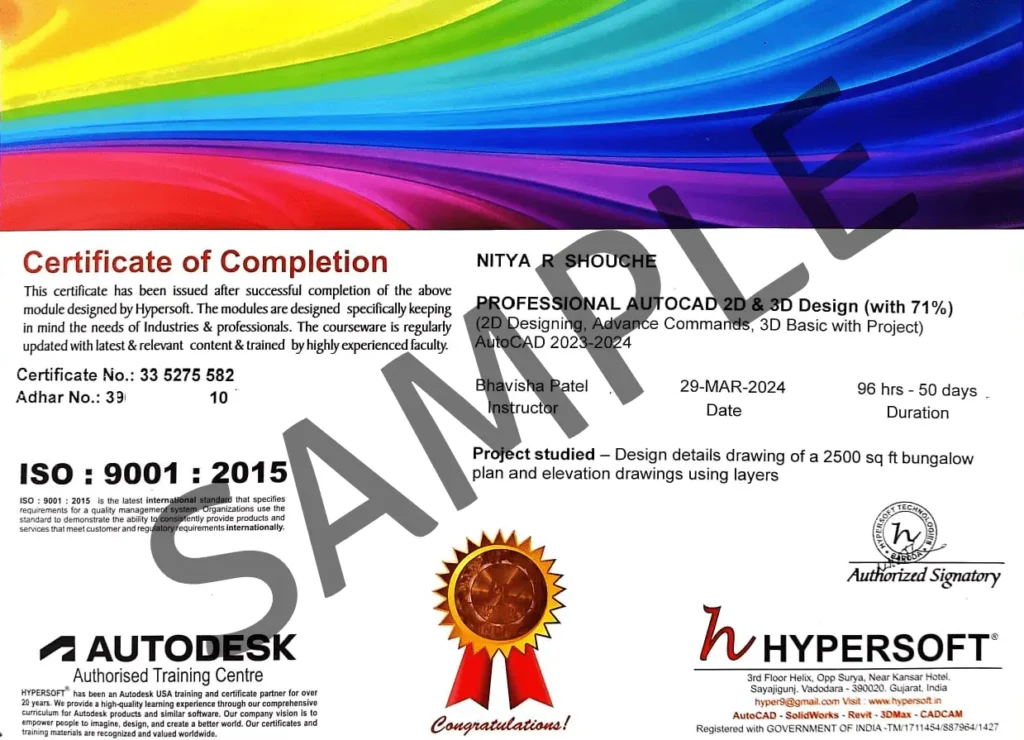
Certifications


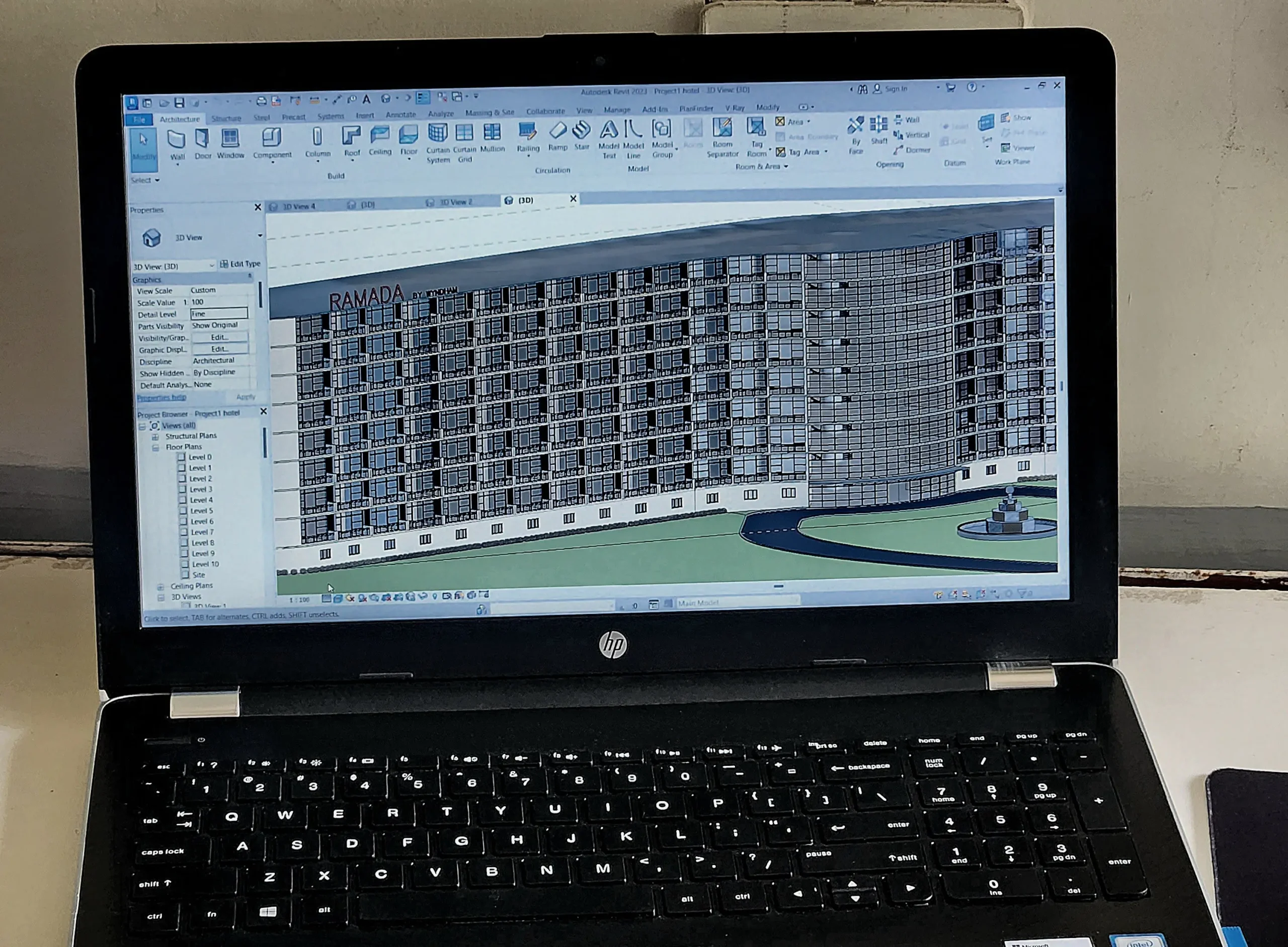
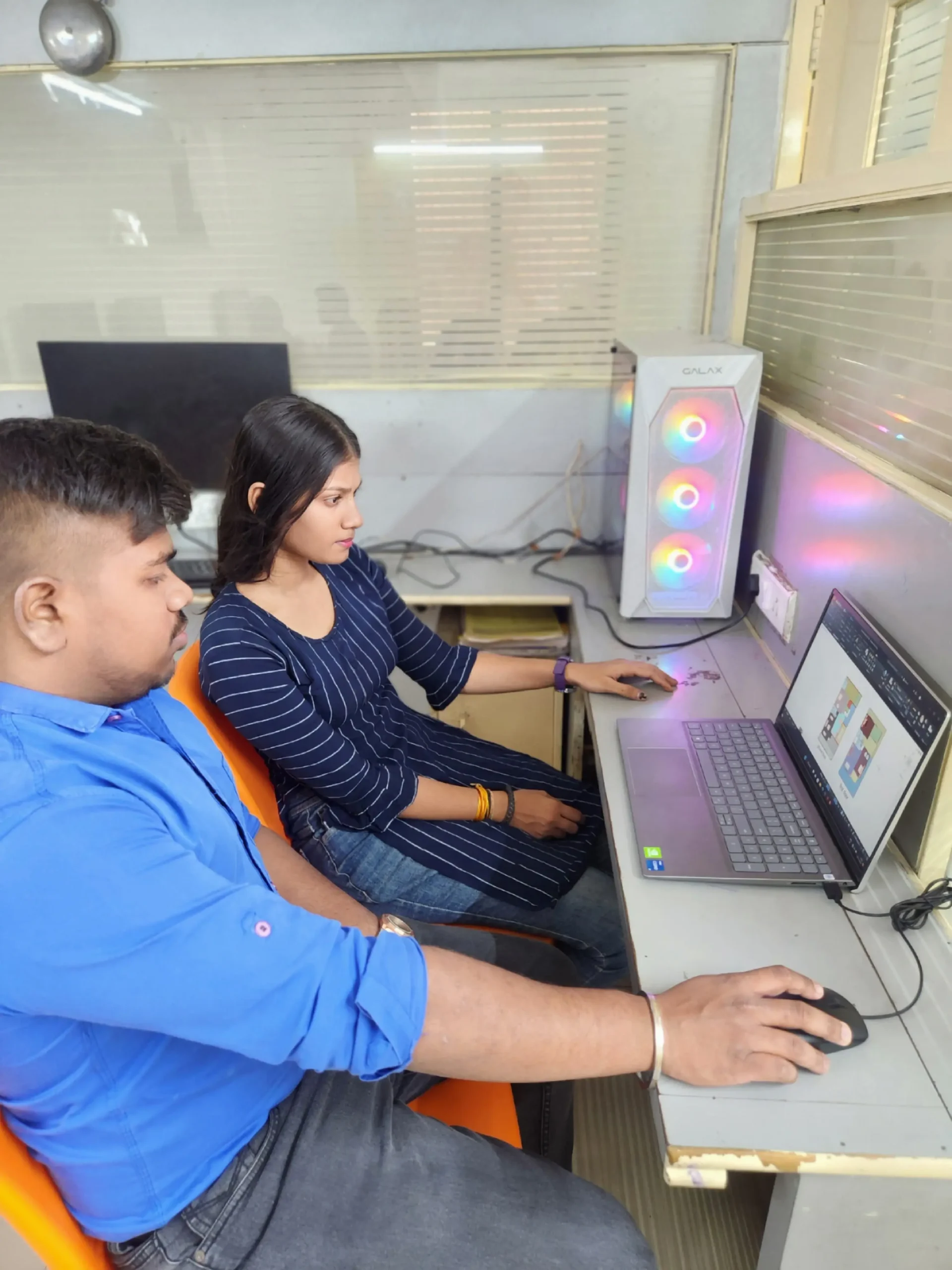
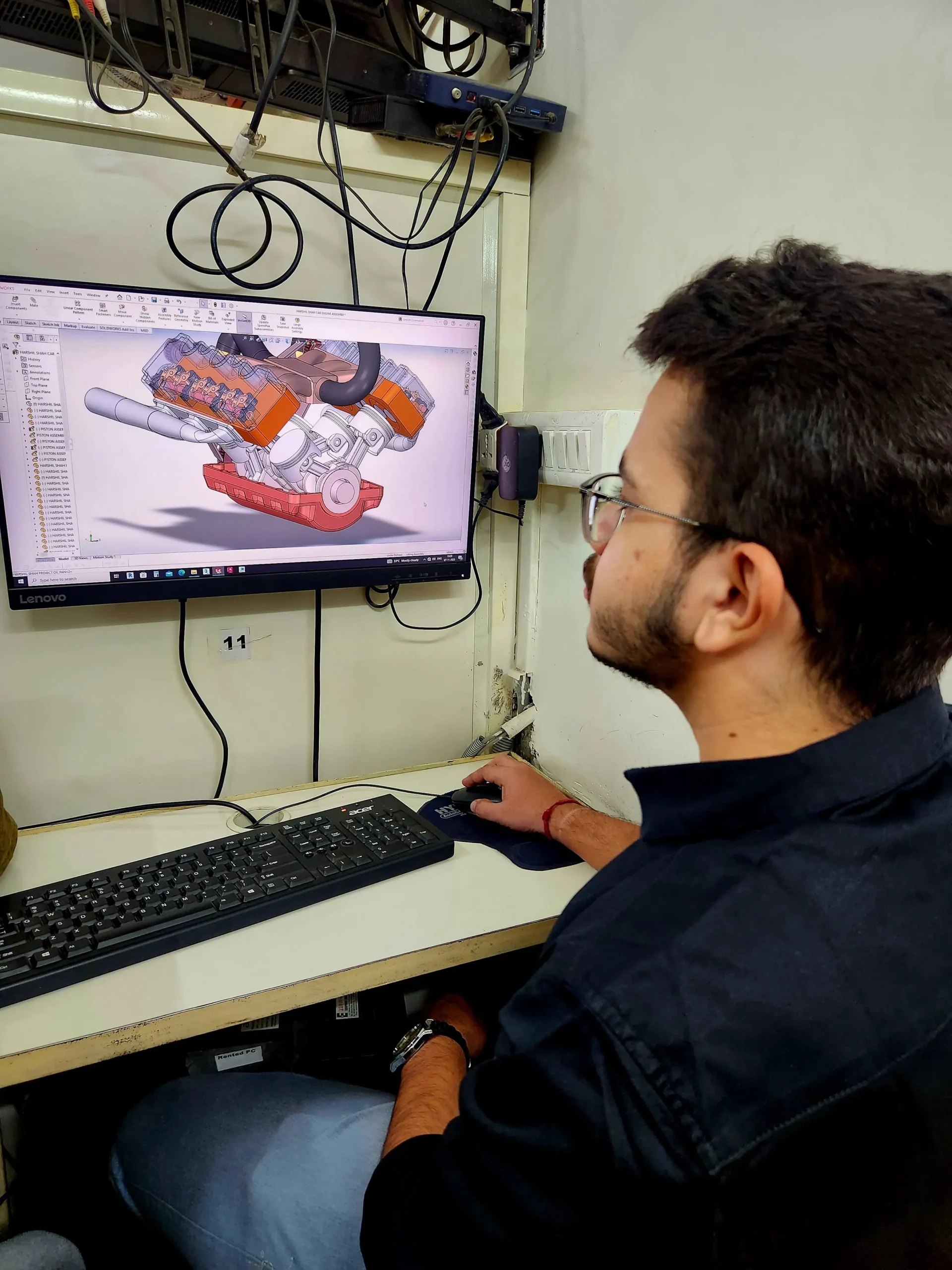
Hypersoft Sneak Peak
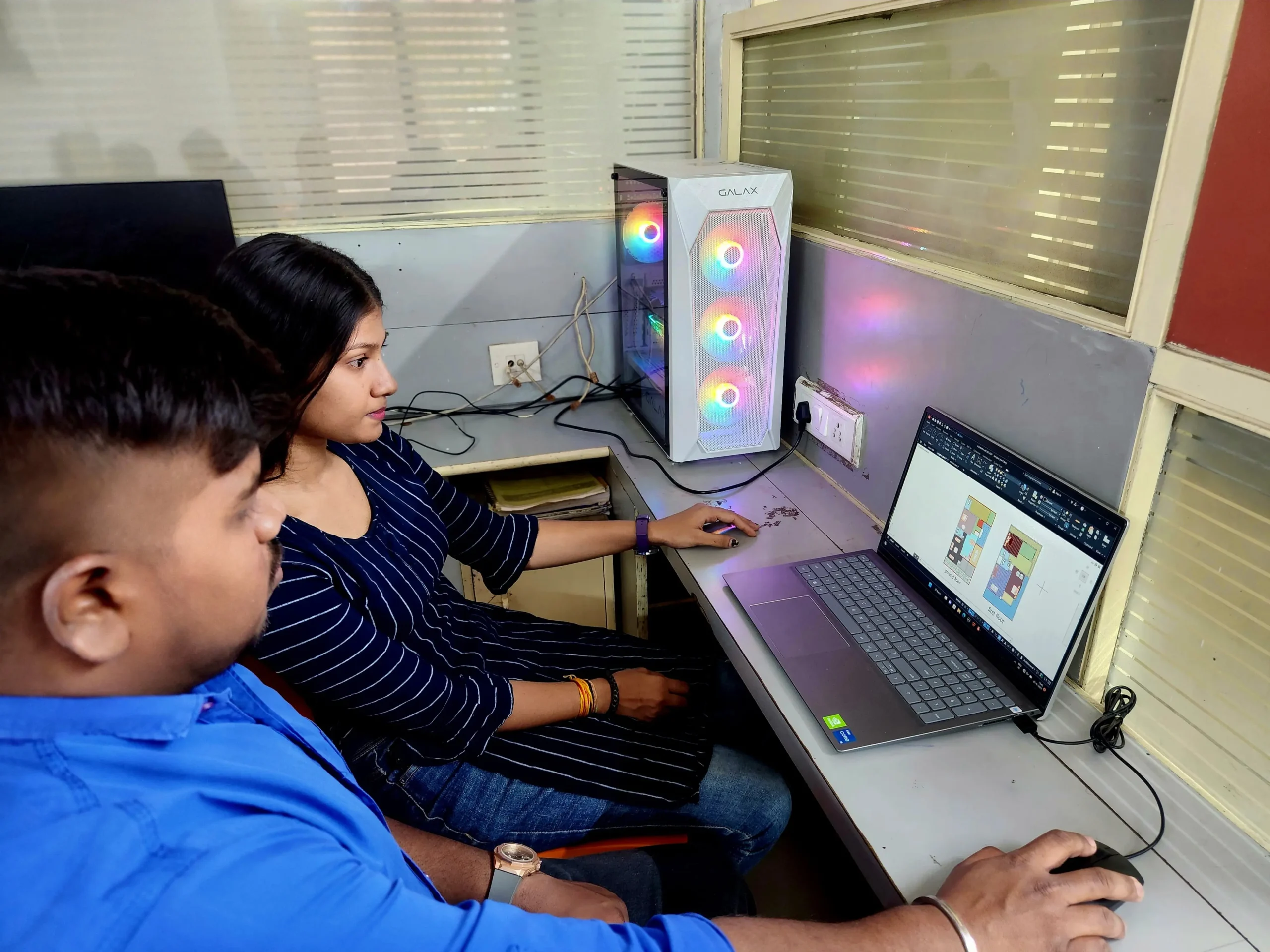
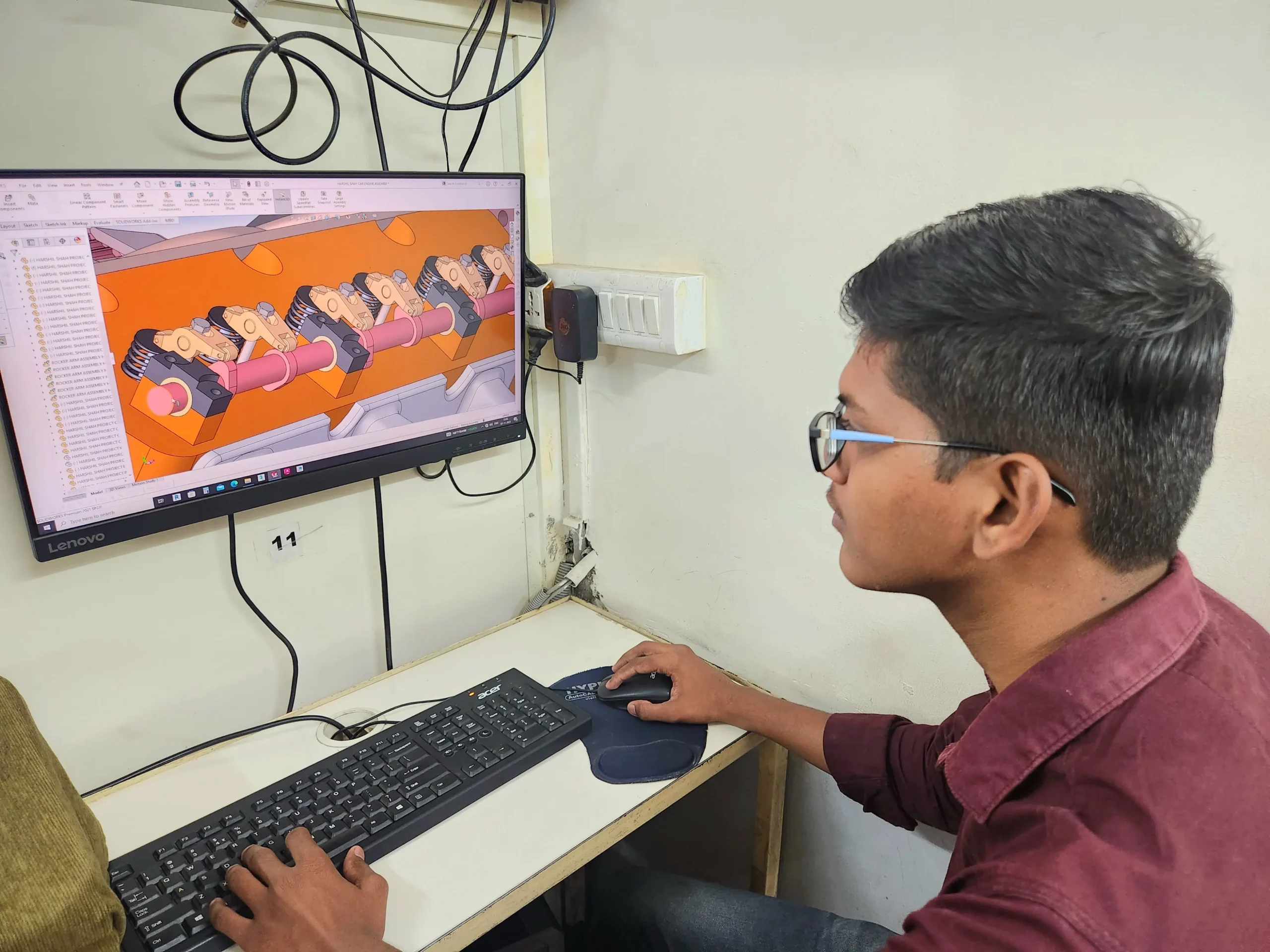
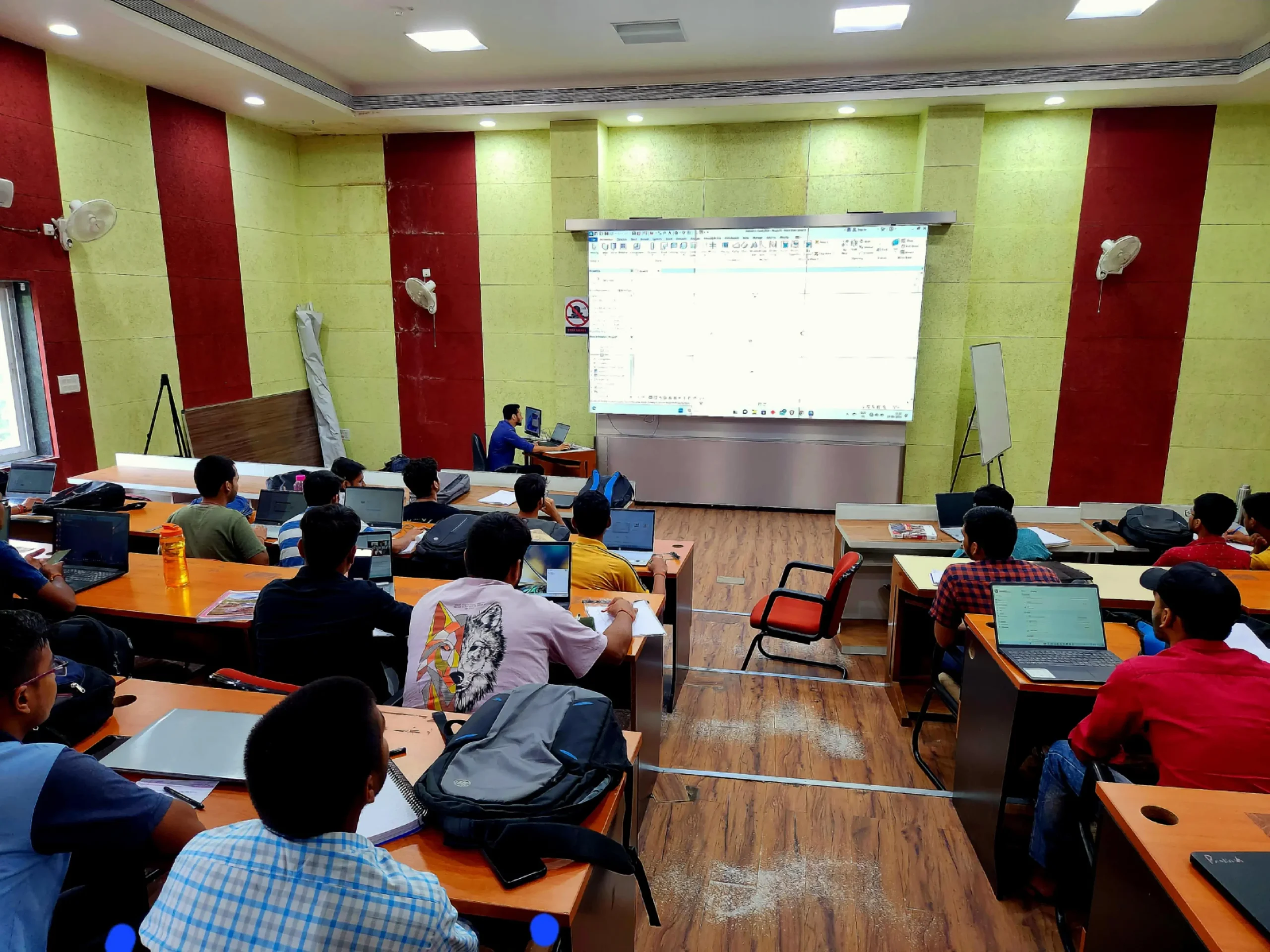
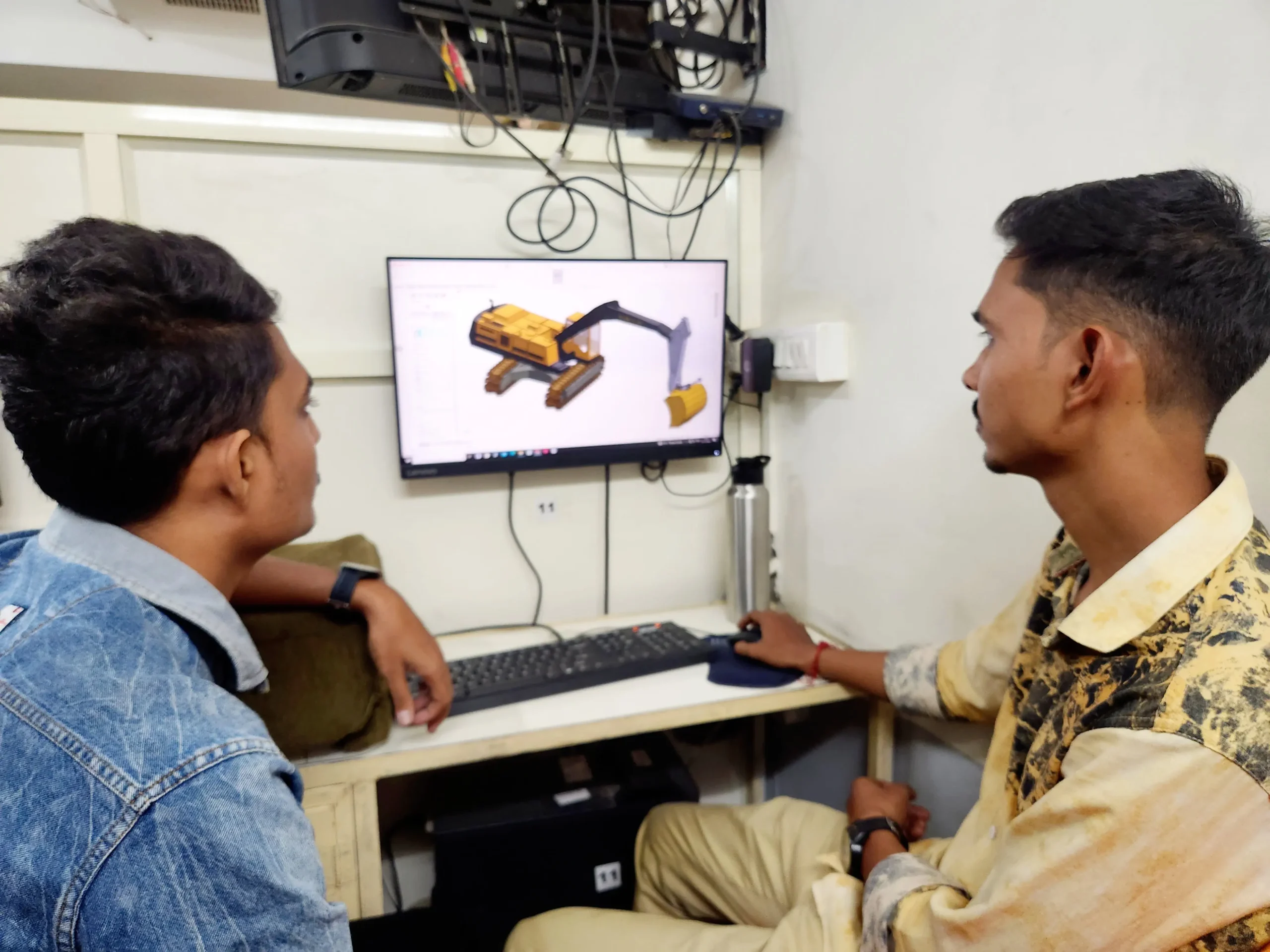
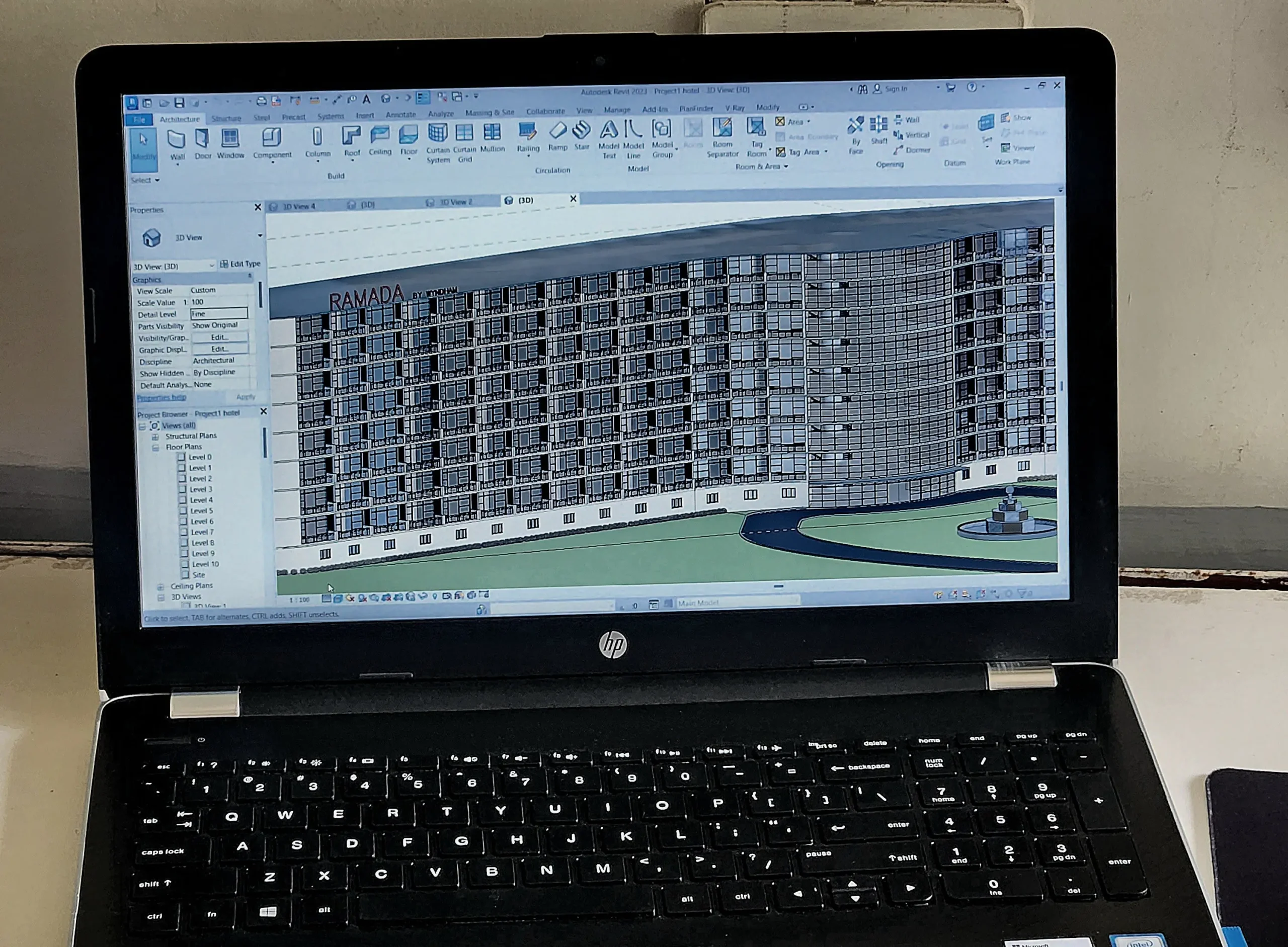
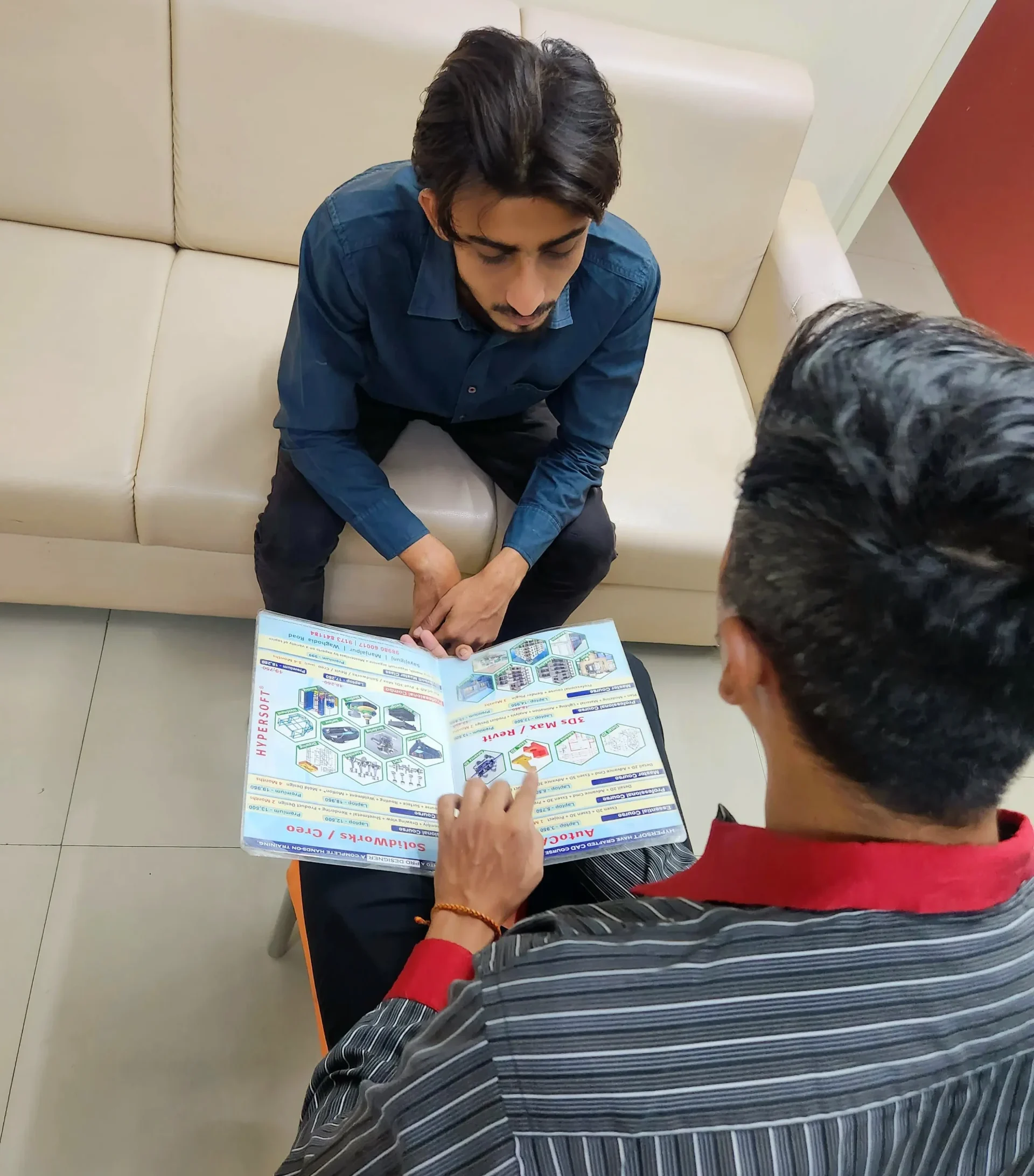
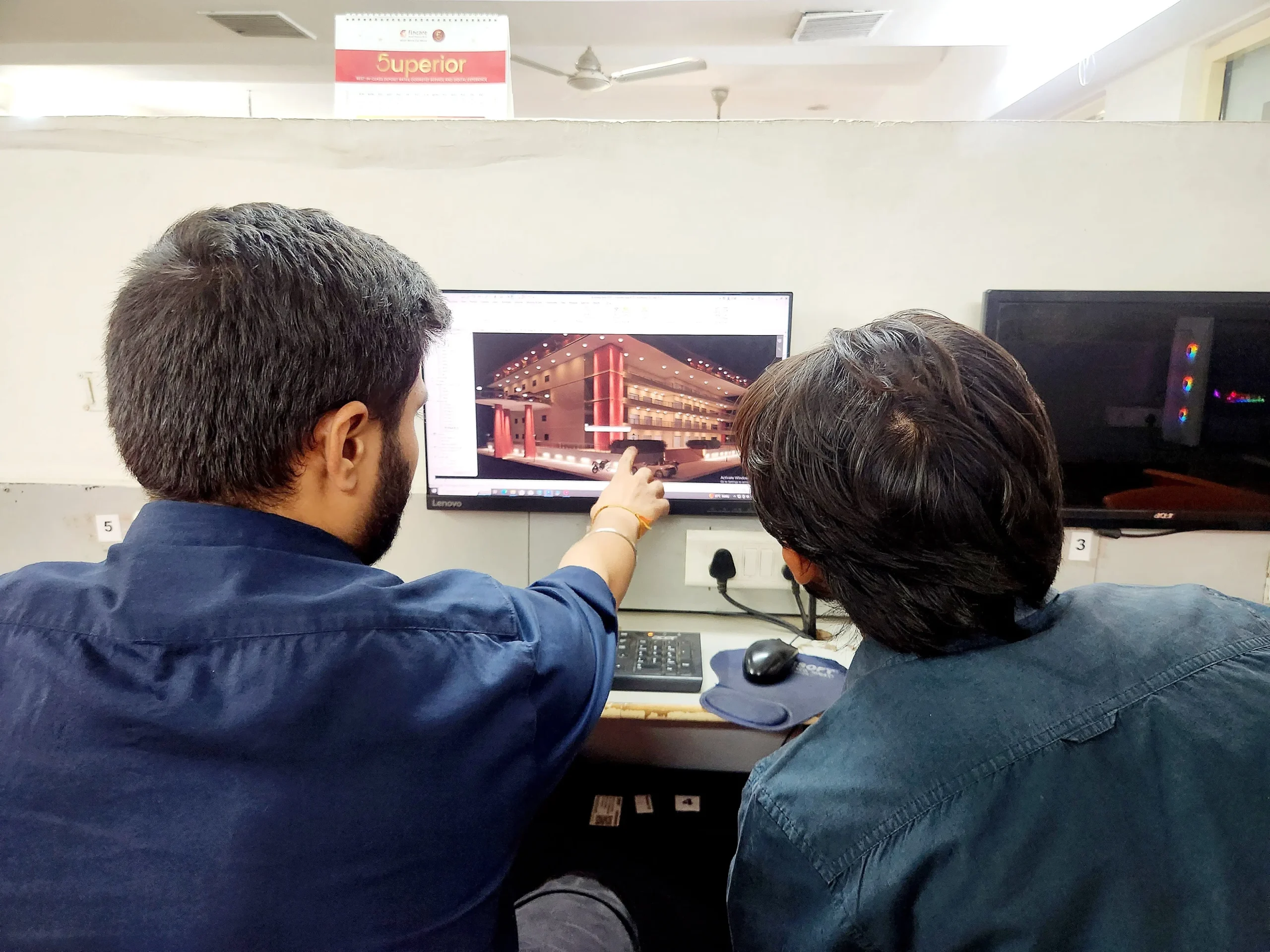
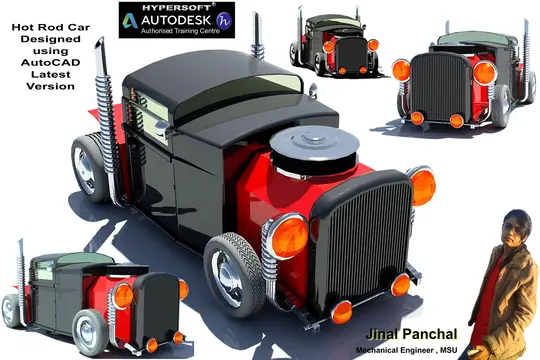
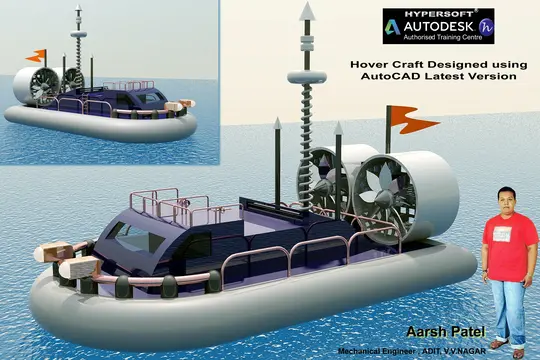
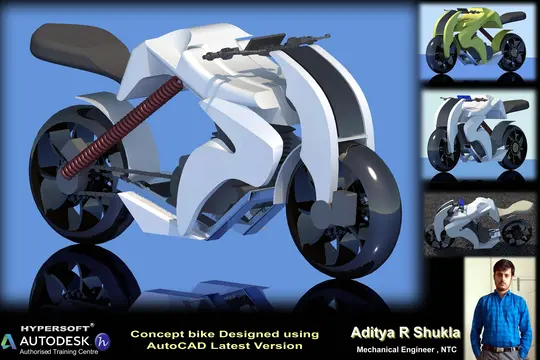
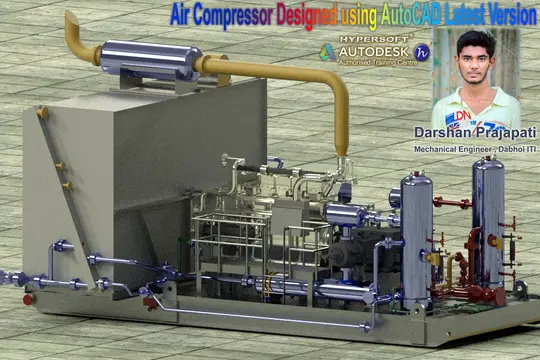
Sharing vibrant learning environment of our institute through photos of students’ learning experiences and trainers facilitating sessions.

Your Success, our goal
With extensive company partnerships, detailed training, and high student satisfaction, your future is in good hands.





















Other Course

 0 Class
  All levels
  0+
0+

Need Any Help?
Here are some frequently asked questions
SolidWorks Professional Course
Duration: 2 Months 📅
Hours per Day: 2 hrs. 🕑
SolidWorks Master Course
Duration: 4 Months 📅
Hours per Day: 2 hrs. 🕑
SolidWorks batches start every 15 days:
- 1st Week of each month
- 3rd week of each month
Note:-
- timings available from morning to evening ⏰ (Sunday OFF) ✨.
- If you want to complete the course faster ⏩, you can allocate more time per day.
- We also have a special batch for shift-duty employees 🏭.
To know about the new SolidWorks batch timings, click 👉 here or
call us at 📞 94278 99997!
SolidWorks Professional Course Fees:- 12950/-
SolidWorks Master Course Fees:- 18950/-
Note: Above fees are Laptop fees. If you don’t have laptop, then the fees will be Rs 13950/- & 19950/- Respective
Laptop Fee: Students who bring their own laptops & use them at the center for practice laptop fees will be considered.
Premiums Fees: Students Using Hypersoft Workstation (Computer) for Practice
Yes🎉
You will be awarded an SolidWorks international government-approved certification 🏅.
Certification requirements:
- Pass an online exam with a score of at least 50% 📝.
- Submit a project that demonstrates your skills 💻🔧.
Yes❗
You can pay your SolidWorks Professional fees in two installments.💼
You can pay your SolidWorks Master fees in three installments.💼
Modes of Payment Accepted:
- Cash 💵
- UPI 📲
- Cheque 💰
- NEFT or IMPS 💻
Yes💯,
We offer 2 free demo classes for SolidWorks, where you can:
1. Experience our teaching approach 👨🏫.
2.Check Your Interest: Are You Ready to Start Your Design Journey?💡.
Enroll with confidence! 🚀😊
To efficiently run SolidWorks 2020 or later versions, the minimum system requirements are:
- CPU: Intel Core i5 8th Gen or AMD Ryzen 5 3rd Gen (or above)
- RAM: 16 GB
- Storage: 256 GB NVMe or SSD
These specifications are the bare minimum required to operate the software effectively.
If you are planning to buy a new laptop for design purposes, please refer to our blog: Laptop Buying Guide for Engineering Designing.
If you miss more than 5 classes without written leave, your admission may be suspended.
You’ll be required to pay a re-activation fee of Rs. 500 or more.
Additionally, you won’t be able to attend makeup classes for the missed lectures 📚, and you may not be eligible to apply to top companies through Hypersoft Placement 💼.
Stay Regular & take written leave from trainer to gain maximum benefit of your learning journey! ✅
Our refund window is open for 5 days from the date of admission.
However, for your convenience, you can reschedule your enrollment to another batch with a minimal transfer fee. 😊🔄
Yes🙌
Hypersoft provides comprehensive job placement support through JobKart, our dedicated placement portal 💼.
With over 25 years of industry connections 🤝, we regularly receive job openings from top companies.
After you join, you’ll be added to the Hypersoft Placement Group 👥 for direct job updates and career assistance.
With our strong network and placement services, you’ll be well-prepared to land a job after completing your training 🚀.
- Enhanced employability with a skill highly sought after in industries like engineering, and manufacturing 🏗️🏭.
- Entry into white-collar job sectors where Revit expertise is often a prerequisite for roles in design, engineering, and project management 💼🛠️.
- Career growth and higher salary potential in companies that value AutoCAD proficiency 📈💰.
If you take a break of more than 15 days without written leave.
A reactivation fee of ₹2,500 will be required ⚠️.
if you missed your exam you’ll need to pay an exam fee of ₹2,000 📜💰To get a certificate later.
Exams are conducted within 10-12 days after the course duration, or earlier if required.
- Google “SolidWorks classes in Vadodara” 🌐, read reviews ⭐, and visit the top-rated institutes. Hypersoft is the top-rated institute in Vadodara with 25+ years of expertise 🏅.
- Check the brand value of the institute 🔍. Institutes with a strong brand value tend to have better credibility and higher placement rates 📈.
- Also, ask friends 👥, seniors 🎓, or faculty 👨🏫 for recommendations.
If you are unable to complete the course within the given duration, don’t worry—we offer an extended time of 1.5 times the original duration to complete the course. 🕒
For example, if your course duration is 45 days, you can complete it in 67 days. 🗓️
After receiving your certification, you’ll become a valued member of the Hypersoft alumni network & you will get
- doubt resolution +
- revision assistance +
- access to premium masterclasses +
- placement 🎓😃🎉
All free of charge for a lifetime! 😲
Standard Purchase: The SOLIDWORKS student version costs approximately Rs 8500/-.
Reseller: You can purchase it from Indian resellers for around Rs 6000/-.
Hacks to Get SOLIDWORKS Student Version for Free:
- ASME Membership: If you are a member of the American Society of Mechanical Engineers (ASME), you may qualify for a free SOLIDWORKS student version.
- College Licenses: Some colleges provide SOLIDWORKS licenses for free. Contact your design trainer or department to check availability.
- Competitions: There are several design competitions where participants are granted access to SOLIDWORKS student licenses for free. Keep an eye out for these opportunities to save costs! SolidWorks Sponsor Student.
- Cloud base SolidWorks:- 3DEXPERIENCE Platform are 1 year free for students. you can get access from collage.
You can download SolidWorks practice exercises for:
- Part
- Assembly
- Sheetmetal
- Master
Your trainer will provide the file password 🔑.
Websites from where you can download free SolidWorks Models.
Yes! Hypersoft provides comprehensive job placement support through JobKart, our dedicated placement portal 💼.
With over 25 years of industry connections 🤝, we regularly receive job openings from top companies.
After you join, you’ll be added to the Hypersoft Placement Group 👥 for direct job updates and career assistance.
With our strong network and placement services, you’ll be well-prepared to land a job after completing your training 🚀.
Warning: Avoid downloading AutoCAD from unauthorized websites like
- FileCR,
- GetIntoPC, and
- unverified Telegram sources.
These platforms often distribute counterfeit or harmful software that can put your device at risk. Always download AutoCAD from trusted sources, such as the official SolidWorks, to ensure the software is safe and legitimate.
The career opportunities for SolidWorks professionals in Vadodara are growing rapidly 📊.
Many companies in Vadodara are adopting SolidWorks, and there is a high demand for qualified SolidWorks Modeler professionals in those companies. 🔧🚀.
Hypersoft has built strong connections with companies over the past 20 years, ensuring excellent placement opportunities for its students 🤝🎓💼.
SolidWorks Offline or Online Training Costs: Typically range from Rs. 10,000 to Rs. 60,000 💸.
Key Factors to Consider Before Choosing a Training Institute:
- Reputation & Experience: Check how long the institute has been around and its expertise in Revit.
- Learning Resources: Check if the course includes eBook, textbooks or any other material.
- Practice Exercises: Crucial for understanding the depth of knowledge you’ll gain and your readiness for real-world applications.
- Certification: Aim for certifications above ISO standards (ISO is a company standard, not meant for training certificates).
- Post-Training Support: Look for ongoing assistance after course completion.
- Job Placement Assistance: See if the institute offers career support or placement services after the course.
- Alumni Feedback: Look for reviews or testimonials from previous students to gauge the quality of the training.
Hypersoft meets all 7 key factors mentioned above while keeping fees affordable and accessible.
SolidWorks Professional Course
Duration: 2 Months 📅
Hours per Day: 2 hrs. 🕑
SolidWorks Master Course
Duration: 4 Months 📅
Hours per Day: 2 hrs. 🕑
SolidWorks batches start every 15 days:
- 1st Week of each month
- 3rd week of each month
Note:-
- timings available from morning to evening ⏰ (Sunday OFF) ✨.
- If you want to complete the course faster ⏩, you can allocate more time per day.
- We also have a special batch for shift-duty employees 🏭.
To know about the new SolidWorks batch timings, click 👉 here or
call us at 📞 94278 99997!
SolidWorks Professional Course Fees:- 12950/-
SolidWorks Master Course Fees:- 18950/-
Note: Above fees are Laptop fees. If you don’t have laptop, then the fees will be Rs 13950/- & 19950/- Respective
Laptop Fee: Students who bring their own laptops & use them at the center for practice laptop fees will be considered.
Premiums Fees: Students Using Hypersoft Workstation (Computer) for Practice
Yes🎉
You will be awarded an SolidWorks international government-approved certification 🏅.
Certification requirements:
- Pass an online exam with a score of at least 50% 📝.
- Submit a project that demonstrates your skills 💻🔧.
Yes❗
You can pay your SolidWorks Professional fees in two installments.💼
You can pay your SolidWorks Master fees in three installments.💼
Modes of Payment Accepted:
- Cash 💵
- UPI 📲
- Cheque 💰
- NEFT or IMPS 💻
Yes💯,
We offer 2 free demo classes for SolidWorks, where you can:
1. Experience our teaching approach 👨🏫.
2.Check Your Interest: Are You Ready to Start Your Design Journey?💡.
Enroll with confidence! 🚀😊
To efficiently run SolidWorks 2020 or later versions, the minimum system requirements are:
- CPU: Intel Core i5 8th Gen or AMD Ryzen 5 3rd Gen (or above)
- RAM: 16 GB
- Storage: 256 GB NVMe or SSD
These specifications are the bare minimum required to operate the software effectively.
If you are planning to buy a new laptop for design purposes, please refer to our blog: Laptop Buying Guide for Engineering Designing.
SolidWorks Professional Course
Duration: 2 Months 📅
Hours per Day: 2 hrs. 🕑
SolidWorks Master Course
Duration: 4 Months 📅
Hours per Day: 2 hrs. 🕑
SolidWorks batches start every 15 days:
- 1st Week of each month
- 3rd week of each month
Note:-
- timings available from morning to evening ⏰ (Sunday OFF) ✨.
- If you want to complete the course faster ⏩, you can allocate more time per day.
- We also have a special batch for shift-duty employees 🏭.
To know about the new SolidWorks batch timings, click 👉 here or
call us at 📞 94278 99997!
SolidWorks Professional Course Fees:- 12950/-
SolidWorks Master Course Fees:- 18950/-
Note: Above fees are Laptop fees. If you don’t have laptop, then the fees will be Rs 13950/- & 19950/- Respective
Laptop Fee: Students who bring their own laptops & use them at the center for practice laptop fees will be considered.
Premiums Fees: Students Using Hypersoft Workstation (Computer) for Practice
Yes🎉
You will be awarded an SolidWorks international government-approved certification 🏅.
Certification requirements:
- Pass an online exam with a score of at least 50% 📝.
- Submit a project that demonstrates your skills 💻🔧.
Yes❗
You can pay your SolidWorks Professional fees in two installments.💼
You can pay your SolidWorks Master fees in three installments.💼
Modes of Payment Accepted:
- Cash 💵
- UPI 📲
- Cheque 💰
- NEFT or IMPS 💻
Yes💯,
We offer 2 free demo classes for SolidWorks, where you can:
1. Experience our teaching approach 👨🏫.
2.Check Your Interest: Are You Ready to Start Your Design Journey?💡.
Enroll with confidence! 🚀😊
To efficiently run SolidWorks 2020 or later versions, the minimum system requirements are:
- CPU: Intel Core i5 8th Gen or AMD Ryzen 5 3rd Gen (or above)
- RAM: 16 GB
- Storage: 256 GB NVMe or SSD
These specifications are the bare minimum required to operate the software effectively.
If you are planning to buy a new laptop for design purposes, please refer to our blog: Laptop Buying Guide for Engineering Designing.
SolidWorks Professional Course
Duration: 2 Months 📅
Hours per Day: 2 hrs. 🕑
SolidWorks Master Course
Duration: 4 Months 📅
Hours per Day: 2 hrs. 🕑
SolidWorks batches start every 15 days:
- 1st Week of each month
- 3rd week of each month
Note:-
- timings available from morning to evening ⏰ (Sunday OFF) ✨.
- If you want to complete the course faster ⏩, you can allocate more time per day.
- We also have a special batch for shift-duty employees 🏭.
To know about the new SolidWorks batch timings, click 👉 here or
call us at 📞 94278 99997!
SolidWorks Professional Course Fees:- 12950/-
SolidWorks Master Course Fees:- 18950/-
Note: Above fees are Laptop fees. If you don’t have laptop, then the fees will be Rs 13950/- & 19950/- Respective
Laptop Fee: Students who bring their own laptops & use them at the center for practice laptop fees will be considered.
Premiums Fees: Students Using Hypersoft Workstation (Computer) for Practice
Yes🎉
You will be awarded an SolidWorks international government-approved certification 🏅.
Certification requirements:
- Pass an online exam with a score of at least 50% 📝.
- Submit a project that demonstrates your skills 💻🔧.
Yes❗
You can pay your SolidWorks Professional fees in two installments.💼
You can pay your SolidWorks Master fees in three installments.💼
Modes of Payment Accepted:
- Cash 💵
- UPI 📲
- Cheque 💰
- NEFT or IMPS 💻
Yes💯,
We offer 2 free demo classes for SolidWorks, where you can:
1. Experience our teaching approach 👨🏫.
2.Check Your Interest: Are You Ready to Start Your Design Journey?💡.
Enroll with confidence! 🚀😊
To efficiently run SolidWorks 2020 or later versions, the minimum system requirements are:
- CPU: Intel Core i5 8th Gen or AMD Ryzen 5 3rd Gen (or above)
- RAM: 16 GB
- Storage: 256 GB NVMe or SSD
These specifications are the bare minimum required to operate the software effectively.
If you are planning to buy a new laptop for design purposes, please refer to our blog: Laptop Buying Guide for Engineering Designing.
Blogs & Updates

Revit Classes in Vadodara – A Right Way to be a Professional
Revit classes in Vadodara can give you sufficient training t
 January 25, 2022
 0 Comments
What are the 7 benefits of learning AutoCAD?
Over time it is seen that technology has improved a lot. No the u
January 19, 2022
0 Comments 
Key Engineering Skills Modern Engineers Must Know
Job descriptions have been changed have you updated yourself with
January 17, 2022
0 Comments Our students work at well-known companies.